
Table of Contents
- Why choose refurbished workstations?
- Main models of refurbished workstations
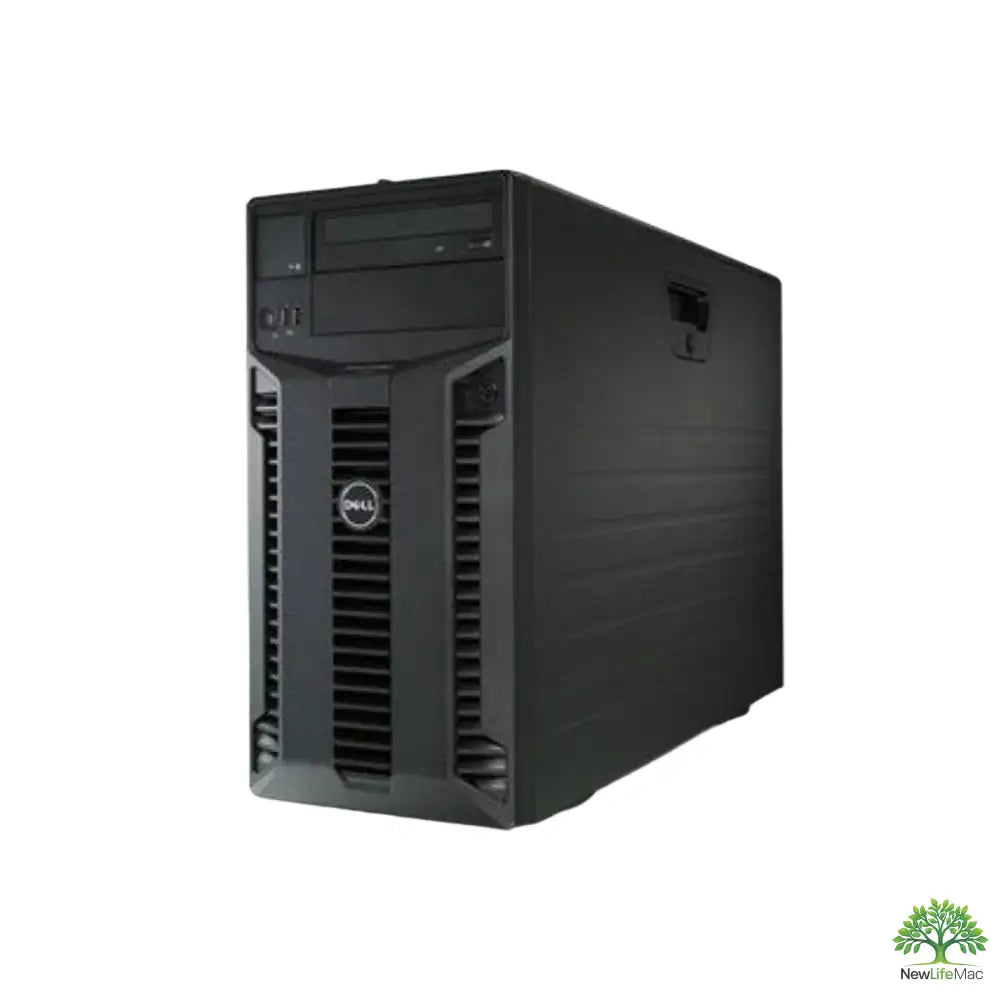
- T310 – X3450 – 32 GB RAM
- T1650 – Core i7-3770 – 8 GB RAM – 128GB SSD
- T3620 – Core i7-6700 – 16 GB RAM – 1TB SSD
- T5810 – Xeon E5-1630V3 – 32 GB RAM – 4TB+256 SSD
- Workstation performance comparison table
- Buying guide for refurbished workstations
Overview
Refurbished workstations are an affordable and powerful solution for creatives in fields like graphics and video production. They offer robust performance, proven quality, and environmental friendliness. The article introduces various models, including the T310, T1650, T3620, and T5810, which meet the specific needs of different users. When choosing, it is important to consider the purpose of use, budget, warranty, and expansion options.
In today's world of rapid digital transformation, powerful workstations play a key role in creative fields such as graphics, video production, and design. Refurbished workstations offer great opportunities for those looking for high performance at an affordable price. Today, we will look at several models that could be an ideal choice for creatives who need reliable technology without unnecessary expenses.
Why choose refurbished workstations?
Refurbished workstations have several advantages. Not only are they more affordable than new models, but they often offer robust performance and the quality we expect from branded products. Whether you are working with demanding graphics applications or need to process large volumes of data, refurbished machines can be a great choice. Here are a few reasons why you should consider buying them:
- Affordability: Refurbished workstations are usually significantly cheaper than new ones, which means you can get higher performance without exceeding your budget.
- Proven quality: Most refurbished workstations undergo thorough testing, ensuring their reliability and long lifespan.
- Environmental friendliness: By choosing refurbished workstations, you contribute to sustainability by extending the life cycle of electronics.
Main models of refurbished workstations
Let's take a closer look at some of the most interesting refurbished workstations available on the market. Each model has something unique to bring to your creative work.
T310 – X3450 – 32 GB RAM

The T310 model is an excellent choice for those who need solid performance at a reasonable price. With an X3450 processor and 32 GB of RAM, it is ideal for multitasking and handling multiple tasks simultaneously. Its robust construction and ample expansion options make this workstation a suitable partner for creative projects.
T1650 – Core i7-3770 – 8 GB RAM – 128GB SSD

Next up is the T1650, powered by an i7-3770 processor. With 8 GB of RAM and a 128GB SSD, it provides sufficient performance for most creative applications, although the RAM capacity might seem low. This model is ideal for those looking for a lightweight and affordable solution for daily tasks.
T3620 – Core i7-6700 – 16 GB RAM – 1TB SSD

The T3620 model is another strong choice. With an i7-6700 processor, 16 GB of RAM, and a 1TB SSD, it can easily meet the demands of more intensive applications. Its storage capacity allows for fast data access and ample space for all your projects. This model is ideal for professionals who need efficiency and speed.
T5810 – Xeon E5-1630V3 – 32 GB RAM – 4TB+256 SSD

Finally, let's look at the T5810, boasting a Xeon E5-1630V3 processor. This model is ideal for truly demanding users, as it offers high performance and a large amount of storage – 4TB SSD plus 256GB. With 32 GB of RAM, it is an excellent choice for professional video production or graphic design tasks.
Workstation performance comparison table
| Model | Processor | RAM | Storage | PasMark (Single/Multi) |
|---|---|---|---|---|
| T310 | X3450 | 32 GB | -- | 2869/1222 |
| T1650 | i7-3770 | 8 GB | 128 GB SSD | 6415/2074 |
| T3620 | i7-6700 | 16 GB | 1 TB SSD | 8058/2280 |
| T5810 | Xeon E5-1630V3 | 32 GB | 4 TB + 256 GB SSD | 7409/2111 |
As you can see from the table above, each model has its advantages and disadvantages depending on the specifications you need for your specific applications. It is important to consider all factors – performance, RAM capacity, storage space, and of course, price.
Buying guide for refurbished workstations
When choosing a refurbished workstation, you should consider several key factors that will help you find the best model for your needs:
- Purpose of use: Consider what applications you will be using. For example, if you work with 3D graphics or video, you need a more powerful processor and more RAM.
- Budget: Set a clear budget. Refurbished workstations can be affordable, but prices can vary depending on performance and specifications.
- Warranty and support: Find out if the sold model comes with a warranty and what support includes if you need help.
- Expansion options: Check how many RAM and storage slots the workstation has so you can expand its performance later as needed.
Refurbished workstations are a great choice for creatives looking for suitable technology that meets their performance and budget requirements. Each model has unique features that can enhance your productivity. Whichever of the listed models you choose, you can be sure that it will provide reliable performance for your creative projects.
Key Takeaways
- Affordability: Refurbished workstations are significantly cheaper than new models, allowing for high performance at a reasonable price.
- Proven Quality: Most refurbished workstations undergo thorough testing, ensuring their reliability and long lifespan.
- Environmental Friendliness: Choosing refurbished workstations contributes to sustainability by extending the life cycle of electronics.
- Flexibility: Refurbished workstations offer options for RAM and storage expansion for future user needs.
- Wide Selection of Models: A range of refurbished workstations with varying specifications are available on the market, catering to diverse creative needs.
- Warranty and Support: When purchasing refurbished workstations, it's important to check if they come with a warranty and what support is available for potential issues.
Pros and Cons
| Pros | Cons |
|---|---|
| Affordable options for creatives. | May have lower RAM capacity compared to new models. |
| Proven quality due to thorough testing. | Possibility of more limited warranties and support. |
| Environmentally friendly by extending the lifespan of electronics. | Some models may have outdated components. |
| Robust performance for demanding applications. | Requires careful selection based on specific needs. |
| Option to upgrade performance as needed. | Higher performance may require additional investment in upgrades. |
Quick Comparison
| Option | Best For | Strengths | Drawbacks |
|---|---|---|---|
| T310 – X3450 – 32 GB RAM | Multitasking and processing multiple tasks | Robust performance at a reasonable price | Lower storage capacity |
| T1650 – Core i7-3770 – 8 GB RAM – 128GB SSD | Light and affordable solution | Sufficient performance for everyday tasks | Limited RAM capacity |
| T3620 – Core i7-6700 – 16 GB RAM – 1TB SSD | More demanding applications | High storage capacity and speed | Higher price than entry-level models |
| T5810 – Xeon E5-1630V3 – 32 GB RAM – 4TB+256 SSD | Professional video production and graphic design | High performance and large storage options | Higher price, designed for demanding users |
Frequently Asked Questions
1. Why should I choose refurbished workstations?
2. What are the main advantages of refurbished workstations?
3. What specifications should be considered when choosing a refurbished workstation?
4. What refurbished workstation models are recommended for creatives?
5. What factors influence the price of refurbished workstations?
Glossary
| Term | Meaning |
|---|---|
| Refurbished workstations | Restored computers with tested performance and quality. |
| Graphics | Visual content created using computer programs. |
| Video production | The process of creating and editing video content. |
| RAM | Random Access Memory, which affects computer performance. |
| SSD | A type of storage that provides fast data access. |
| Processor | The main computing unit of a computer that executes instructions. |
| Affordability | The ability to acquire a product at a reasonable price. |
| Verified quality | Guarantee of reliability and long product life. |
| Sustainability | An approach that supports ecological and economic aspects. |
| Expansion options | Ability to add additional components to increase performance. |
Share:
Ecological benefits of buying refurbished workstations
How to improve the performance of a refurbished workstation